1
Join the Google Group
First, join the beta testers Google Group. This grants your Google account access to the beta on Google Play.
Join the Google GroupOn the Google Group page, click the "Join group" button at the top, or click the "joining the group" link in the middle of the page:
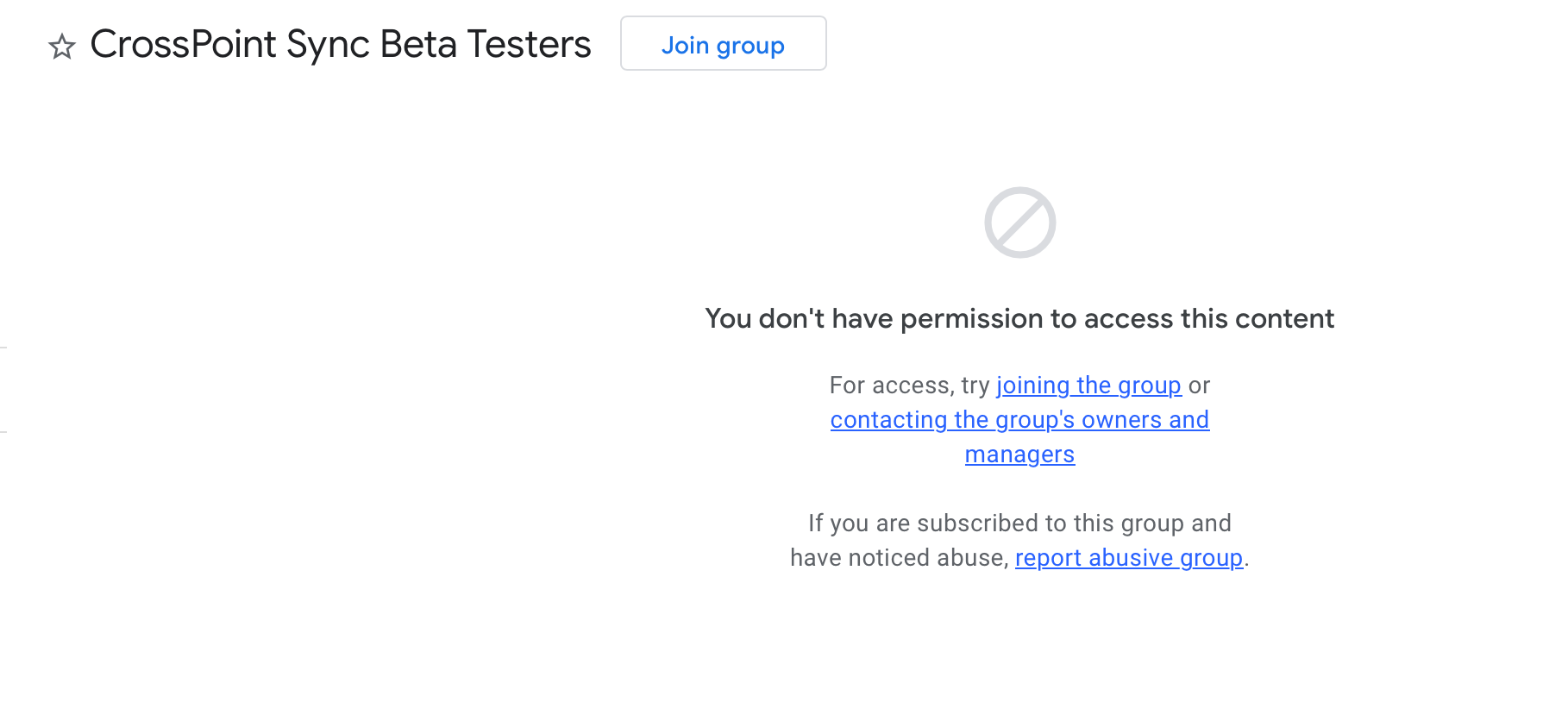
Click here
Or click here
2
Download the App
After joining the group, it can take a few minutes before you get access. Then download CrossPoint Sync from Google Play.
Download on Google PlayHaving trouble? Click here for help
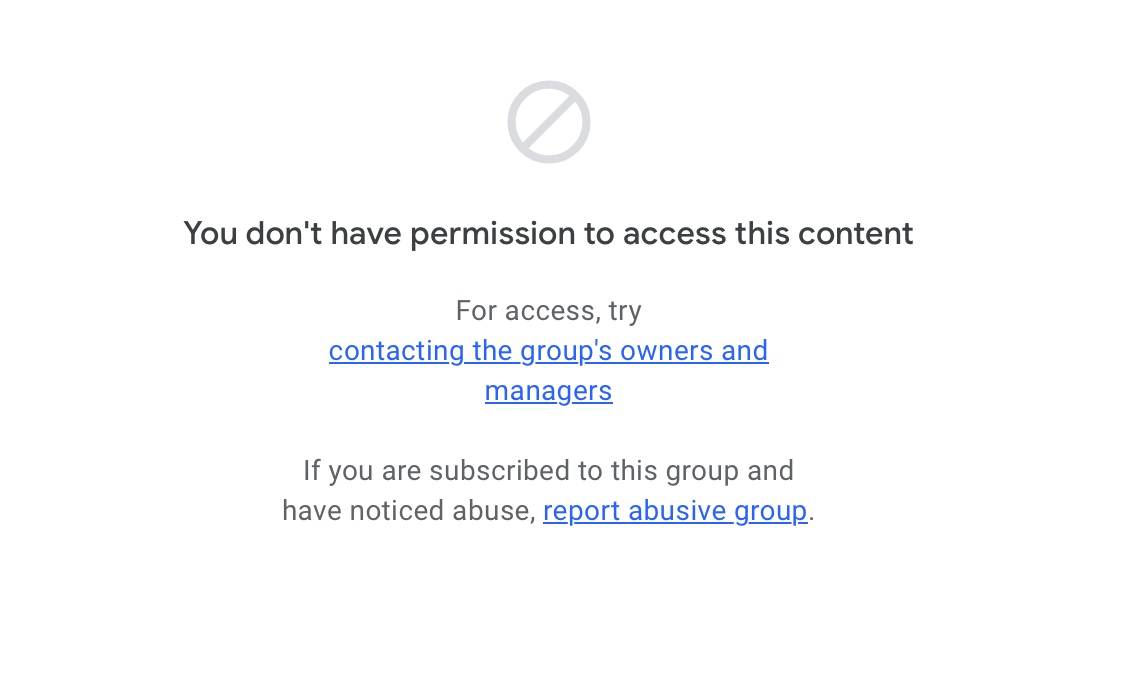
If you see a page like the one below, it means you're not signed into your Google account. Make sure you're signed in and try again.
If you're still unable to join the Google Group, you can fill out this form instead and we'll add you manually.