Your books, articles, and more — wirelessly on your X4.
The companion app for your XTEink X4 e-ink reader. No cables, no fuss. Just tap and sync.
The companion app for your XTEink X4 e-ink reader. No cables, no fuss. Just tap and sync.
CrossPoint Sync makes it simple. Connect your phone to your reader over WiFi, and from there you can send books, articles, and even custom sleep images — all without plugging in a single cable.
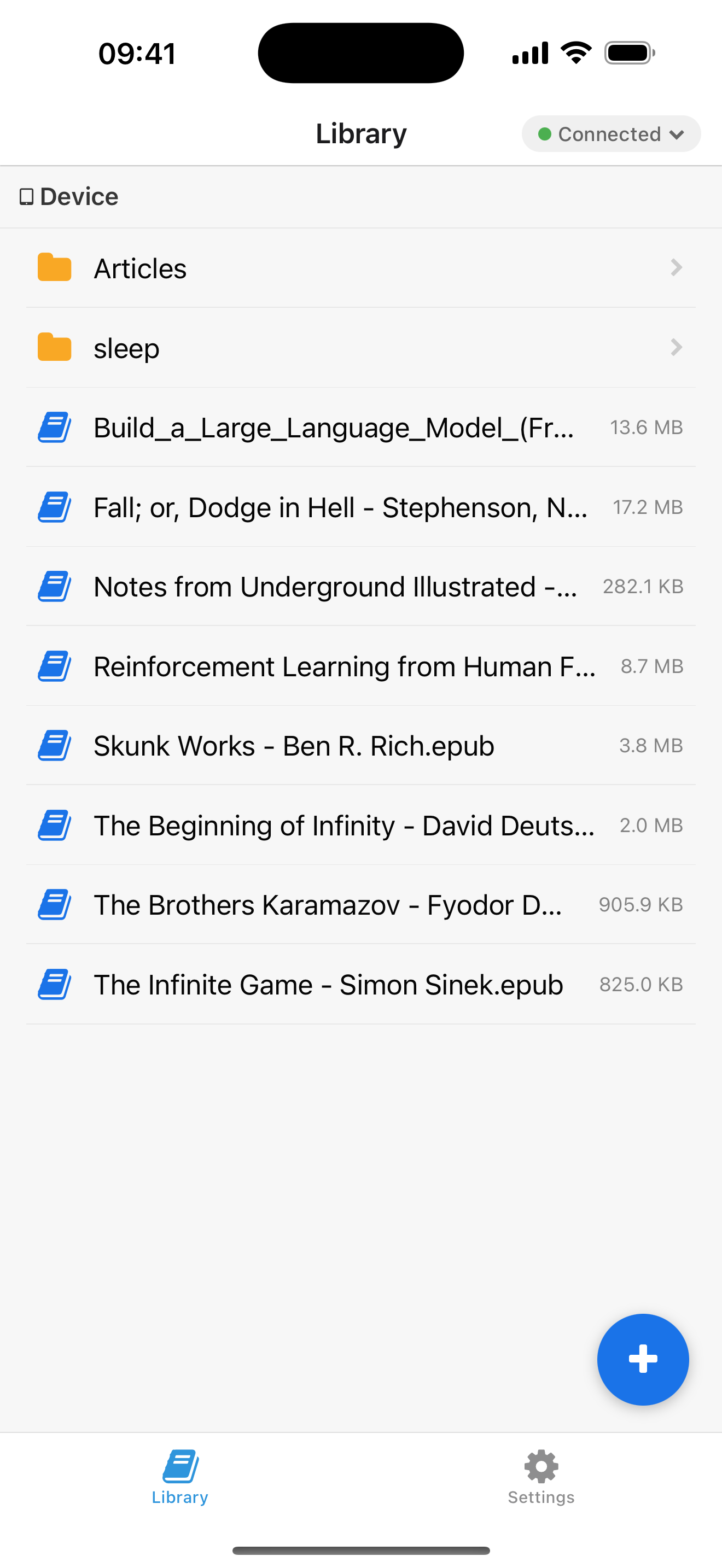
Enter your reader's IP address and you're connected. No accounts, no pairing codes.
Browse, create folders, and delete files on your reader — all right from your phone.
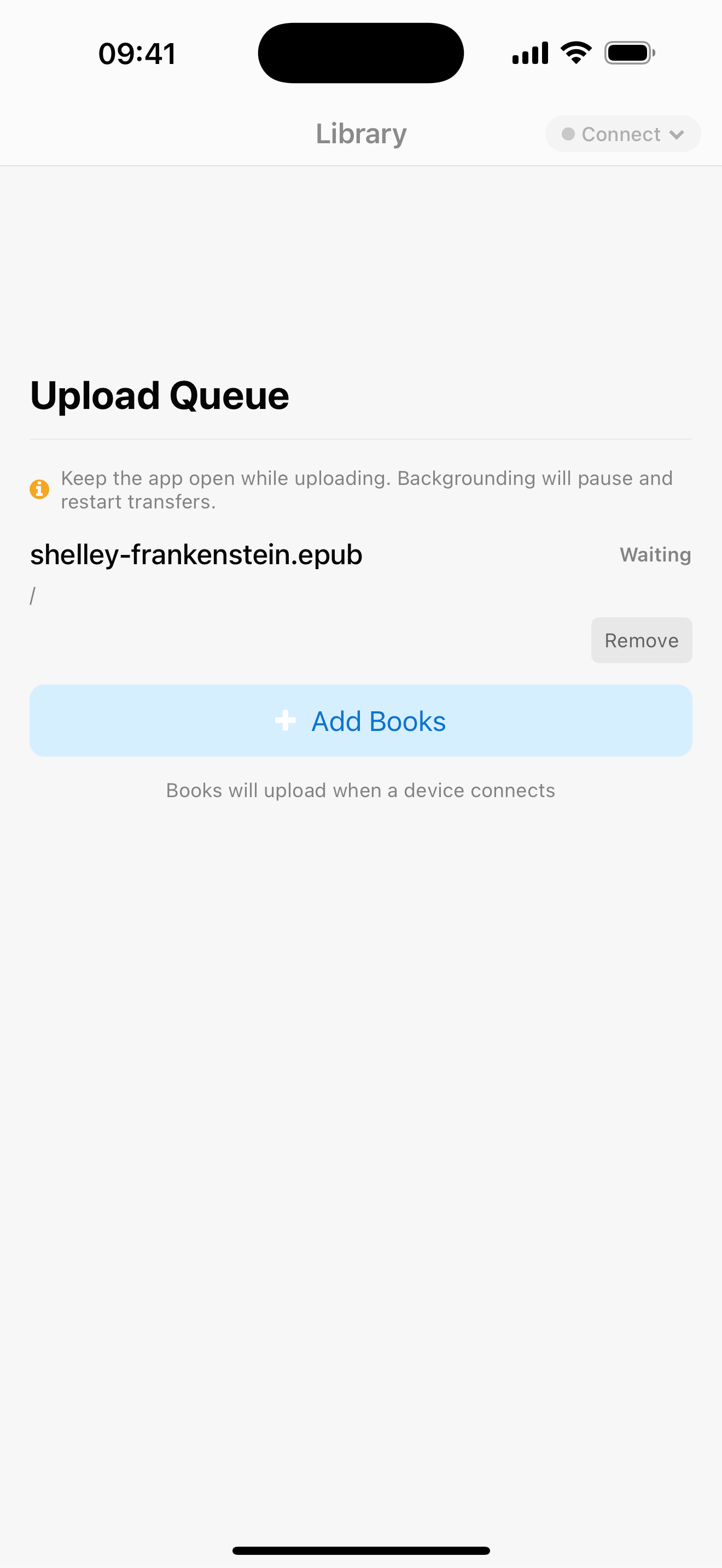
Queue up files whenever you want. They'll sync automatically when your X4 is in range.
Queue up as many files as you like. You'll see real-time progress for each one, and if anything hiccups, the app retries automatically.
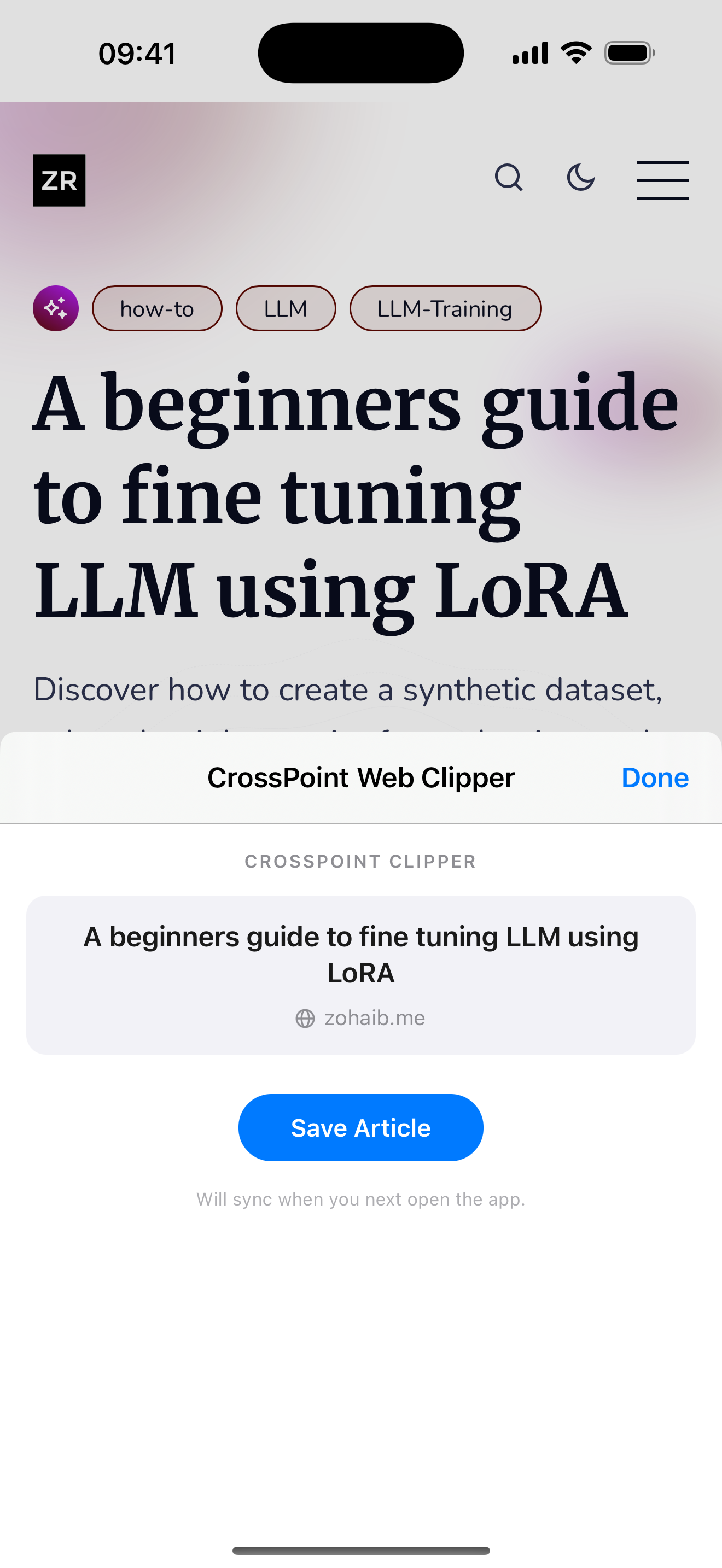
Reading a great article on the web? One tap converts it into a clean EPUB and sends it straight to your reader. Perfect for long reads.
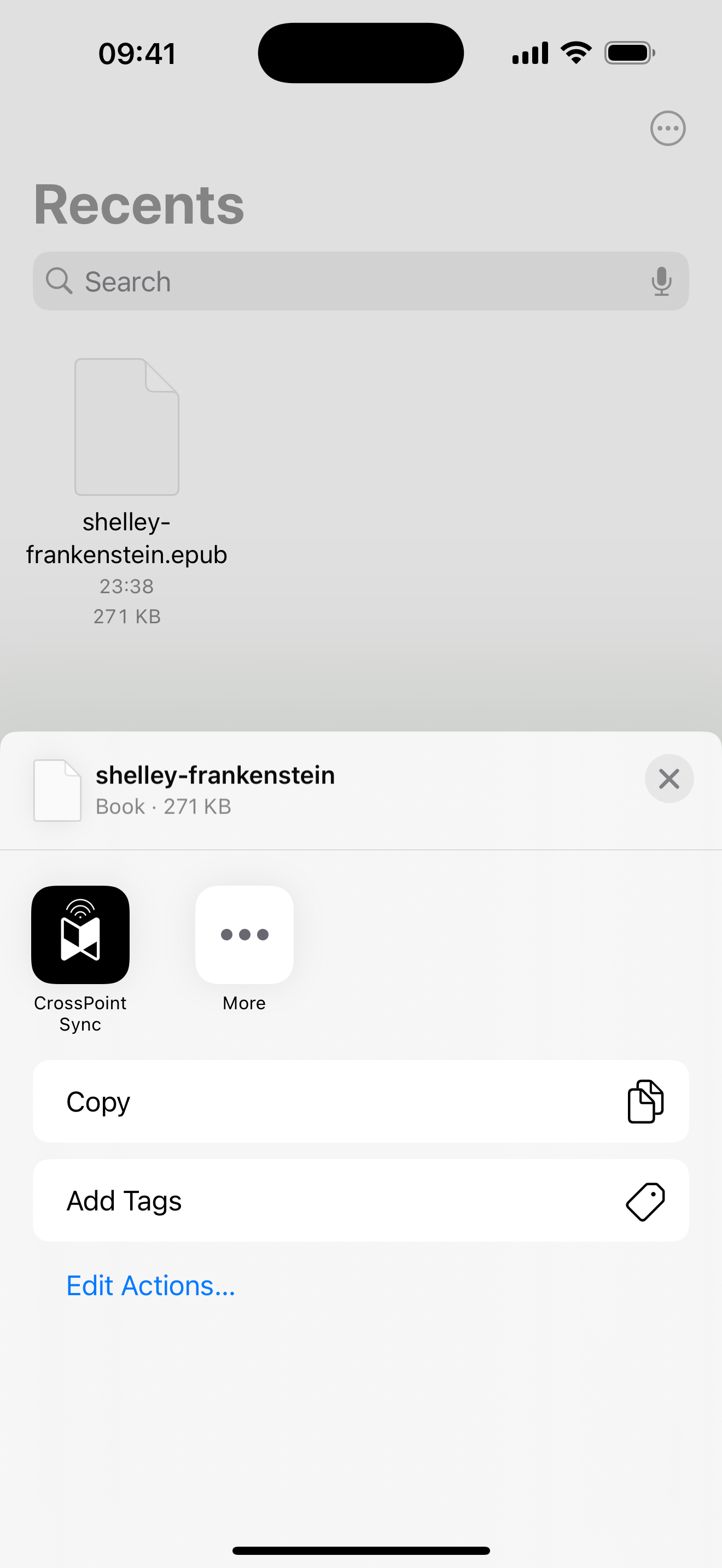
Found an EPUB in another app? Use the iOS Share button to send it to CrossPoint Sync — no need to open the app first.
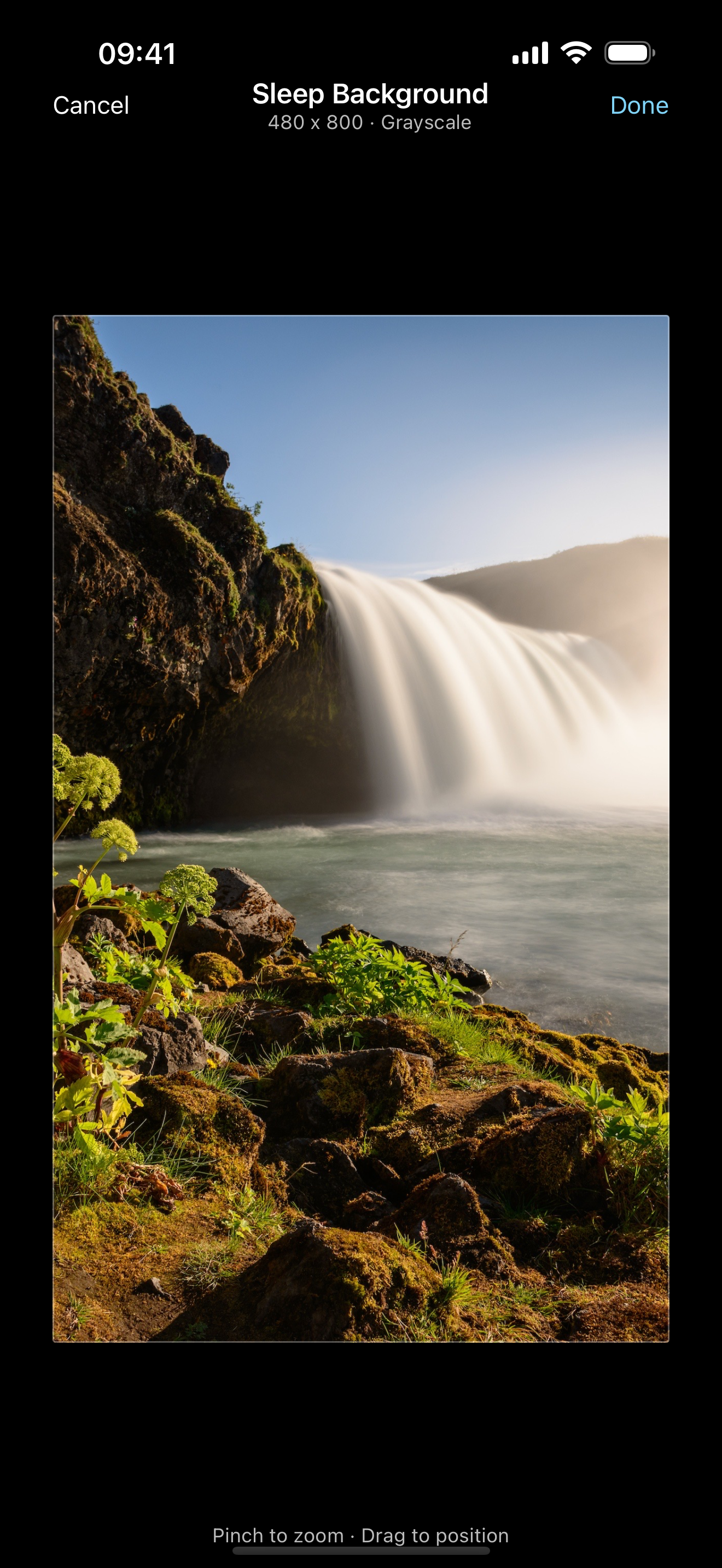
Upload your own standby image to make your reader truly yours. The app shows a grayscale preview so you know exactly how it'll look on e-ink.
Make sure your phone and X4 are on the same WiFi network, then enter your reader's IP address.
Pick the books, articles, or images you want to send.
Tap send. Done. Your files appear on your reader in seconds.
Absolutely — no special setup, no custom firmware, nothing extra. Just download the app and connect it to your CrossPoint device. It works right out of the box.
For now, the built-in article clipper runs as a Safari extension — that's where you'll get the one-tap "save to reader" experience. That said, you can still send EPUBs from any app on your phone using the iOS Share button. We're looking into supporting more browsers down the road.
Your privacy is baked in by design. Everything stays on your device — there are no servers, no accounts, and no tracking. When you clip an article, the app reads that one page locally and sends it straight to your reader. Nothing else leaves your phone. And since the app is fully open source, you don't have to take our word for it.
Yes! Join the beta to try upcoming features and help shape the app. On iOS, join via TestFlight. On Android, join the beta through Google Play.
It does! If you have a Mac with Apple Silicon (M1 or later), you can install the iOS app directly from the Mac App Store. It works surprisingly well on the big screen too.
Completely free — no catch. There are no accounts to create, no subscriptions, and no in-app purchases. Just download it and start syncing.
After uploading your sleep background, make sure you go to Settings and set the Sleep Screen option to "Custom." This is a one-time step — once enabled, any new images you upload will automatically be used.
Free to download. No account required. No subscriptions.